01
Alert start
Save the first timestamp and the exact notification wording.
Sheet 40 / Diagnostic set
Preserve alert timing and compare it with meter, household use, fixtures, and professional findings.
For supported meter accounts, EyeOnWater can show use and possible-leak alerts. The graph does not identify the fixture, pipe, or work needed.
Call about the symptom877-702-1610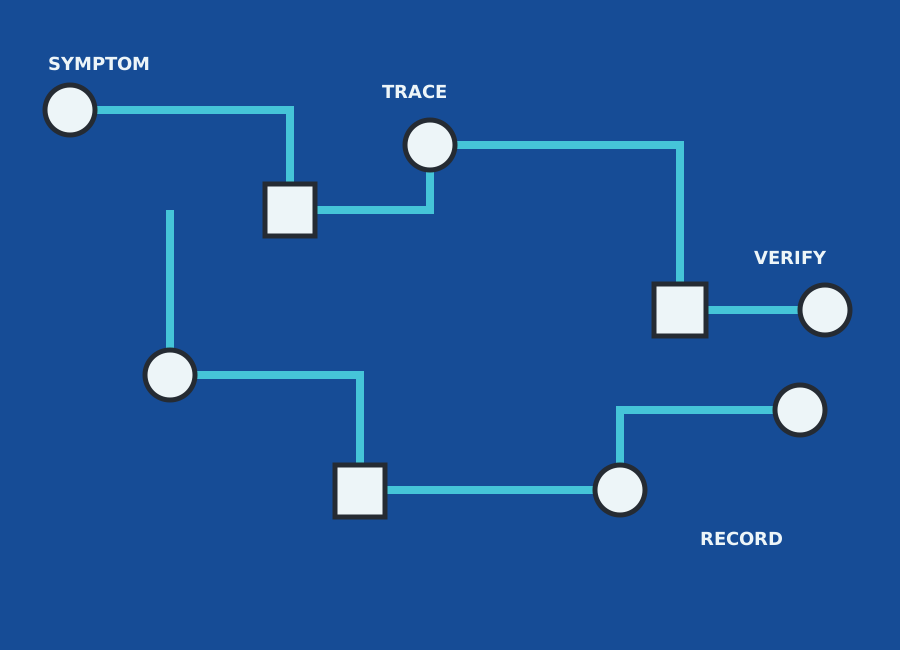
Identify the symptom
Each note describes an action, not a diagnosis. Leave unsupported branches open.
Save the first timestamp and the exact notification wording.
Note whether the pattern is continuous, intermittent, or ended before inspection.
Match laundry, irrigation, guests, vacancy, and cleaning to the same hours.
List safely visible running or dripping fixtures without declaring the source.
Compare later usage only after the provider states what condition was addressed.
Trace the source
Preserve the alert start, duration, pattern, and account context, then compare them with occupancy, appliances, irrigation, and safe fixture observations. A qualified inspection should document where the unusual use was or was not found.
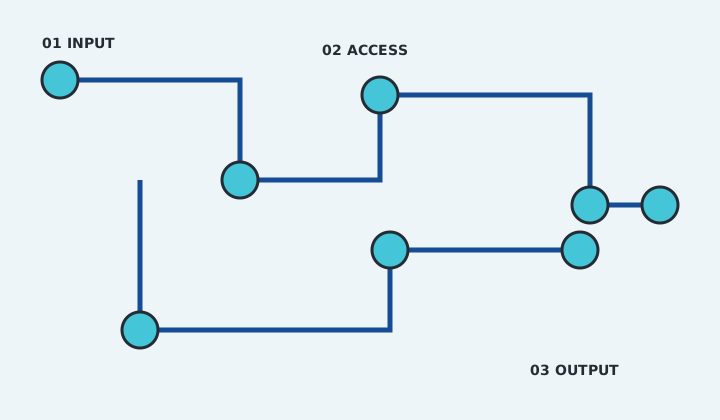
Repair route and access map
Archive the alert, Town account information, inspection result, repair if any, device status, and later pattern. Keep privacy credentials out of provider notes unless needed and agreed.